Your icon is your face in Geometry Dash. These Geometry Dash icons are the little cube, ship, ball, or wave that other players see when you play their levels, and changing it is one of the most fun parts of the game. This guide explains what icons are, how to unlock new ones, how colours and trails work, and how to make your icon feel like yours.
What Are Geometry Dash Icons?
An icon is the shape you play with. The game starts you with a simple cube, but you can unlock many more: different cubes, ships, balls, UFOs, waves, robots, spiders, and swing icons. Each game mode has its own set of icons, so the ship you fly can look different from the cube you jump with. Icons do not change how the game plays. They change how your game looks, and that matters to players who love to stand out.
How to Unlock New Icons
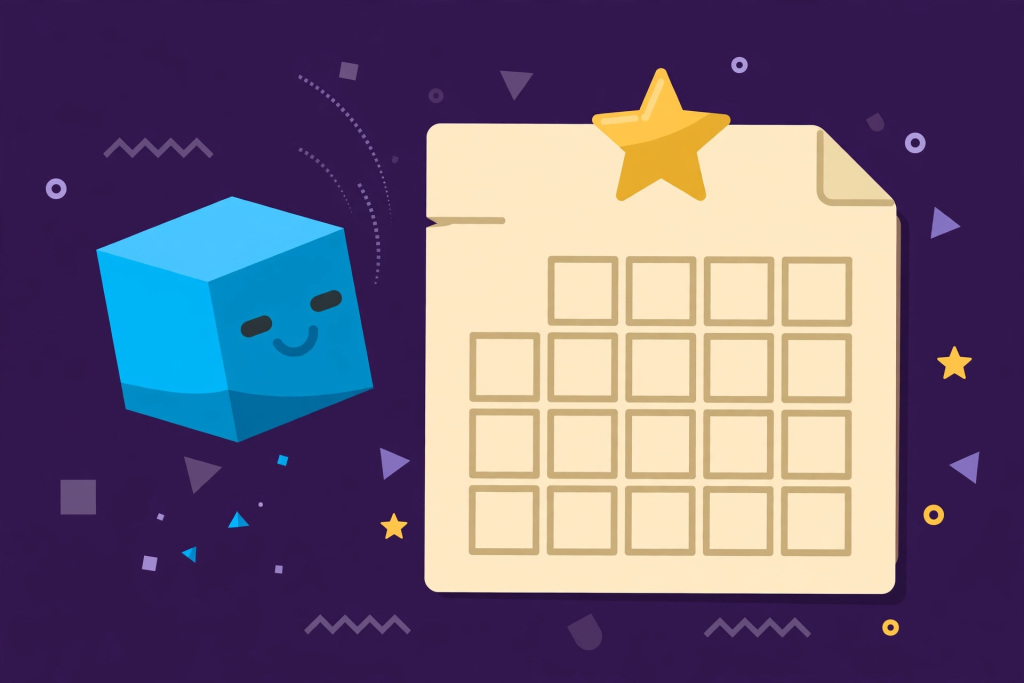
You unlock icons by playing the game. Finishing levels, collecting secret coins, and completing challenges all give you new icons over time. Some icons come from the daily rewards and the shop in the free spin-offs, and some come from playing community levels. You do not need to buy icons to enjoy the game, and the basic icons are enough to play every level. The more you play, the more icons you will collect, so just keep playing and they will come.
Colours, Trails and Death Effects
Icons are only part of the look. You can also change your icon’s colours, picking a main colour and a second colour that fits your style. Trails add a line of light behind your icon as it moves, and death effects change the small burst when you die. These are all cosmetic, which means they do not make the game easier or harder. They make the game yours. Try a bright colour with a simple trail first, and change it whenever you feel like a new look.
Icons for Each Game Mode
Each game mode has its own icon, and you can set them separately. Your cube icon is the one you see most, because Cube is the first mode you learn. Your ship icon matters in flying sections, and your ball, UFO, wave, robot, spider, and swing icons each have their own look. When you unlock a new icon for one mode, it does not change the others. Set each one the way you like it, and your whole game will feel personal. You can read about every mode in our game modes guide before you pick your icons.
Tips for Building Your Collection
First, finish the levels you already play, because finishing unlocks icons. Next, hunt for secret coins, because coins unlock rewards too, and our secret coins guide shows you how to search. Then, try the daily and weekly levels, because they give you a reason to come back and play often. Finally, do not chase every icon at once. Pick the ones you like, use them, and let the rest come with time. A collection built slowly feels better than one rushed.
FAQs
Q: How do I unlock new icons in Geometry Dash? A: You unlock icons by playing: finishing levels, collecting secret coins, and completing challenges all give you new icons over time.
Q: Do icons change how the game plays? A: No, icons are only cosmetic. They change how your icon looks, not how it jumps, flies, or moves.
Q: Can I change my icon’s colours? A: Yes, you can pick a main colour and a second colour for your icon, plus trails and death effects.
Q: Are there different icons for each game mode? A: Yes, each mode — Cube, Ship, Ball, UFO, Wave, Robot, Spider, Swing — has its own icons, and you can set them separately.
Q: Do I need to pay for icons? A: No, you can unlock many icons just by playing. The full version gives you access to more of the game, but icons themselves come from playing.
Conclusion
Icons are a fun, free way to make Geometry Dash your own. Play levels, collect secret coins, and your collection will grow. Pick colours and trails you like, set an icon for each mode, and enjoy seeing your own style in every level. Start with your cube, and let the rest follow.