Geometry Dash Meltdown is a free spin-off of Geometry Dash, and it is a great place to start. It has the same tap-to-jump gameplay, the same rhythm music, and a fiery look all of its own. This guide explains what Meltdown is, how it differs from the full game, how to download it for free, and how to beat its levels. If you like fast, fiery levels, Meltdown is for you.
What Is Geometry Dash Meltdown?
Meltdown is a separate, free game made by RobTop Games. It is not the full Geometry Dash, and it is not an update. It is a smaller game with its own levels, its own music, and its own fiery style. You play it the same way: tap to jump, avoid the spikes, and follow the beat. Because it is free, many players try Meltdown first and then move to the full game. It is a complete game on its own, and you can enjoy it without buying anything.
Meltdown vs the Full Game
The full game has many official levels, the level editor, and community levels. Meltdown has fewer levels, and it does not have the editor. However, Meltdown is free, it is quick to learn, and its levels are short and fun. The full game is bigger and deeper, while Meltdown is smaller and sharper. Think of Meltdown as a free taste of Geometry Dash with a fiery twist. If you want more levels after Meltdown, the full game is waiting for you on the Download page.
How to Download Meltdown Free
Meltdown is free on Google Play and the App Store. First, open the store on your phone and search for Geometry Dash Meltdown. Next, check that the developer is RobTop Games. Then tap Install and wait for the download to finish. Do not download Meltdown from random websites, because those files can be fake or unsafe. The official store is the only safe way to get it.
First Levels and What to Expect
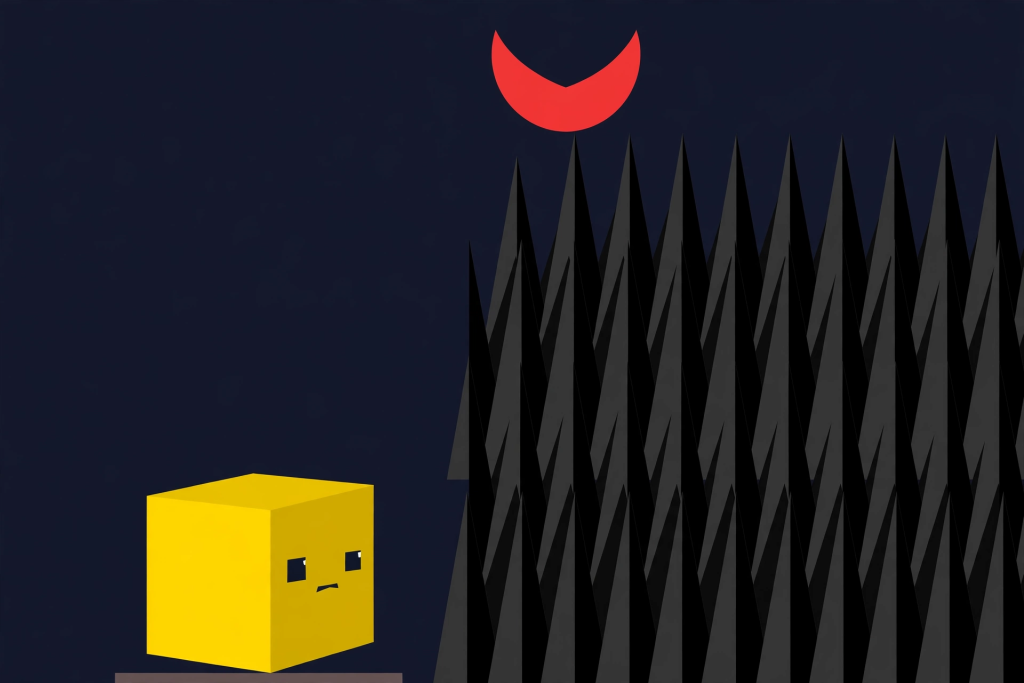
Meltdown’s levels are short, fast, and fiery. You will meet spikes, portals, and jumps that come quickly, so stay alert. The music is loud and fast, and it matches the jumps. Your first runs will end early, and that is normal. Use Practice Mode to learn each level, place checkpoints, and practise the hard parts. After a few tries, the levels will start to feel fair, and you will finish them.
Tips for Meltdown’s Fiery Levels
First, listen to the music, because the beat tells you when to jump. Next, tap lightly and keep your hand relaxed. Then, learn one section at a time instead of trying to learn the whole level at once. If you die at the same spot many times, take a short break and come back calm. Finally, read our tips for beginners, because the same ideas work in Meltdown. Small, calm taps beat fast, angry taps every time. For Geometry Dash Meltdown players, Practice Mode is the fastest way to learn a hard level.
FAQs
Geometry Dash Meltdown: your questions answered
Q: Is Geometry Dash Meltdown free? A: Yes, Meltdown is free on Google Play and the App Store. It is made by RobTop Games, so check the developer name before you install.
Q: Is Meltdown the same as Geometry Dash? A: No, Meltdown is a free spin-off with its own levels and fiery style. The full game is bigger, with more levels and the level editor.
Q: How many levels are in Meltdown? A: Meltdown has a small set of levels. The exact number can change with updates, so check the game itself for the current list.
Q: Can I play Meltdown offline? A: Yes, the levels work offline once they are downloaded. You need the internet to download the game and any updates.
Q: Should I play Meltdown or the full game first? A: Try Meltdown first if you want a free start. Move to the full game when you want more levels and the editor.
Conclusion
Geometry Dash Meltdown is a free, fast, and fiery way to start playing. Download it from the official store, learn the levels in Practice Mode, and enjoy the music. When you want more, the full game is waiting on the Download page. You can also compare every version on the Versions page. This Geometry Dash Meltdown guide is your starting point, so go and play.