
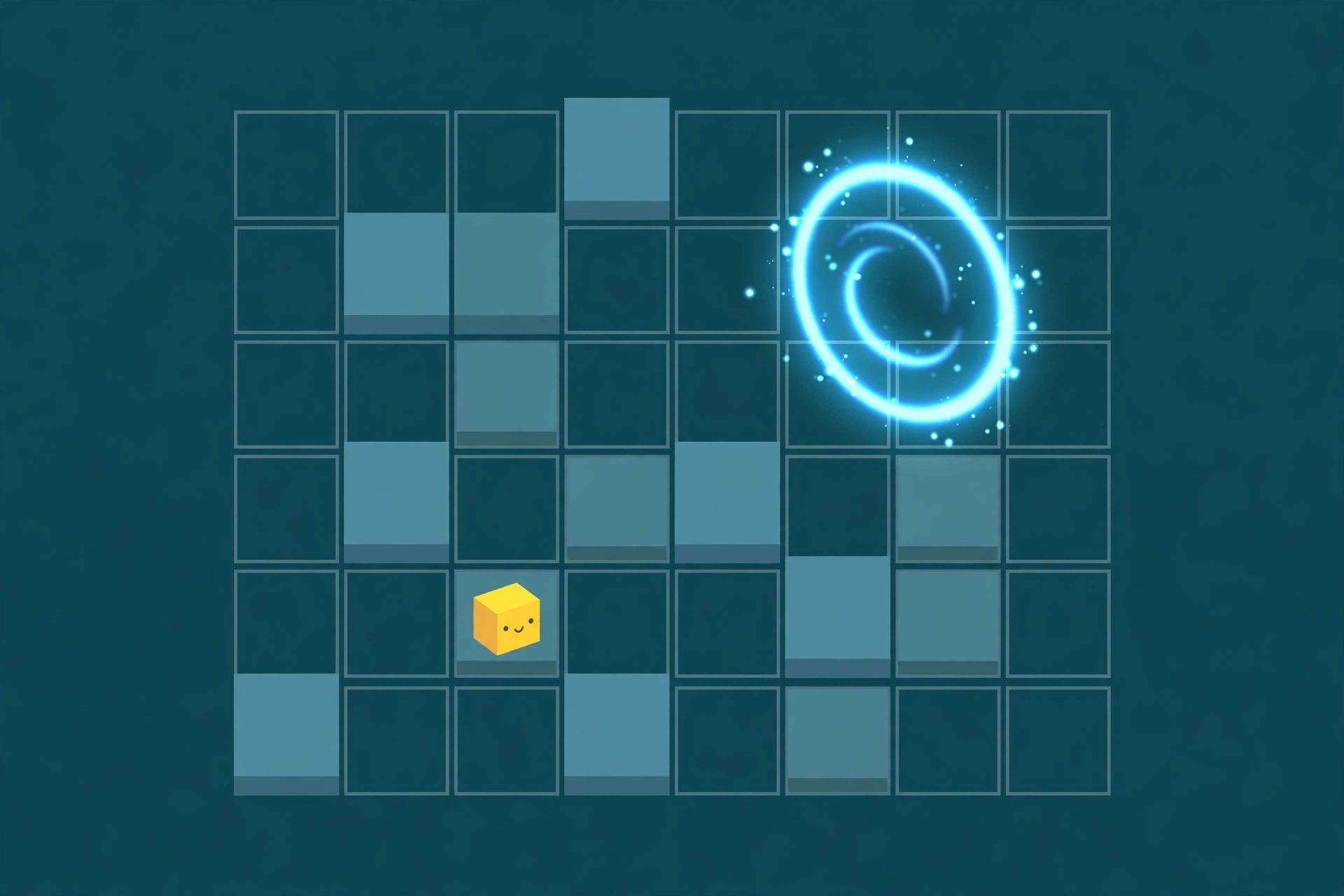
The level editor is where Geometry Dash players become creators. It is the tool that lets you build your own levels, place spikes and portals, and share your work with other players. It is part of the full version of the game, and it looks complex at first. This guide breaks it down into five simple steps, so you can build your first level today, even if you have never built anything before. Follow this Geometry Dash level editor guide to build your first level today.
What Is the Level Editor? (Full Version Only)
The level editor is a built-in tool in the full version of Geometry Dash. It is not in the free Lite version. With the editor, you place blocks, spikes, portals, and decorations on a grid, choose music, and test your level. Other players can then play your level and rate it. The editor is the reason Geometry Dash never runs out of levels: players keep building new ones. If you want to use it, you need the full version, which you can find on the Versions page.
Your First Level in 5 Steps
Step one: open the editor and start a new level. Give it a short, clear name. Then, place a flat floor of blocks across the bottom of the screen. Add three small jumps with spikes between them, so the level is fun but fair. After that, add a portal that changes the game mode, such as a Ship portal, after the third jump. Finally, save the level and test it. That is your first level. It will not be perfect, and that is fine. Every builder starts with a simple level.
Blocks, Spikes and Portals — The Basics
Blocks are the ground and walls of your level. Place them in a straight line first, and add shapes later. Spikes are the danger: a player dies if they touch one. Place spikes where a jump is needed, not where a jump is impossible. Portals change the game mode, the speed, or gravity. Use one portal at a time when you are learning, and test each one. A good rule is simple: if you cannot beat your own level, it is too hard. Make it easier, then test again. For Geometry Dash level editor beginners, simple levels are the best teachers.
Testing Your Level Before Sharing
Always test your level before you share it. Play it from the start in a normal run, not just in Practice Mode. If you die at a jump, move the spike or make the jump easier. If a section feels boring, add a portal or a new shape. Ask a friend to test it too, because they will find problems you missed. A level that is fair and fun gets played more than a level that is only hard. Test, fix, test again, and only then share.
Sharing and Playing Community Levels
When your level is ready, share it from the editor so other players can find it. Other players can rate it and leave feedback. You can also play community levels made by other players, and you can learn a lot from them. Look at how good builders place spikes, how they use portals, and how they match the music. Then try those ideas in your own levels. You can read about every game mode in our game modes guide to get ideas for your next level. You can also try building a platformer level — our platformer mode guide explains how platformer levels work.
FAQs
Geometry Dash level editor: your questions answered
Q: Is the level editor free in Geometry Dash? A: No, the level editor is part of the full version of the game. It is not in the free Lite version. Check the Versions page for details.
Q: How do I open the level editor? A: Open the full version of Geometry Dash, find the editor in the menu, and start a new level. Give it a name and begin placing blocks.
Q: Can other players play my level? A: Yes, you can share your level from the editor, and other players can find it, play it, and rate it.
Q: What makes a good Geometry Dash level? A: A good level is fair, fun, and matched to the music. Test it yourself, fix the unfair parts, and ask a friend to test it too.
Q: Do I need to be good at the game to build levels? A: No, you need to understand the basics. Play a few official levels first, then start with a short, simple level of your own.
Conclusion
The level editor turns players into creators, and your first level only needs five steps: a floor, three jumps, a portal, a test, and a share. Keep it simple, test it honestly, and learn from community levels. Your first level will not be perfect, and that is how every builder starts. Open the full version, build your first level, and share it with the world. This Geometry Dash level editor guide is your starting point, so open the editor and build.