
Platformer mode is a different way to play Geometry Dash. Instead of moving only forward, you move left and right, jump between platforms, and explore a level at your own pace. It was added in update 2.2, and update 2.209 made it better with saving. This guide explains what platformer mode is, how it differs from classic mode, how saving works, and how to play your first platformer level. This Geometry Dash platformer mode guide explains it all.
What Is Platformer Mode?
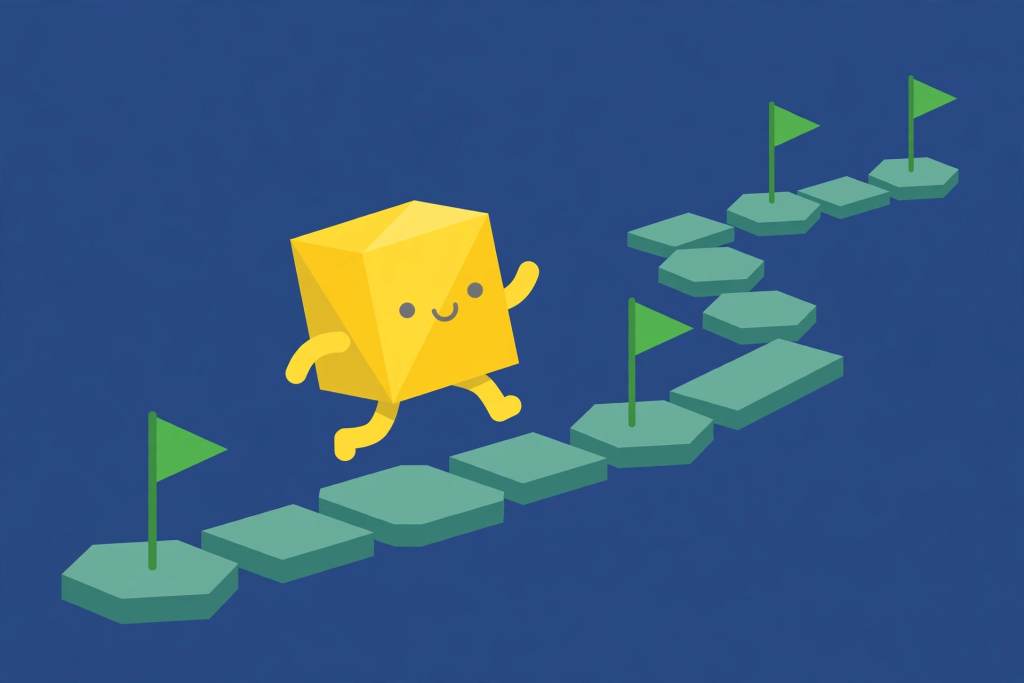
In classic Geometry Dash, your icon moves forward on its own, and you only control the jumps. In platformer mode, you control the movement. You walk left and right, you jump between platforms, and you choose your own path. It feels more like a classic platform game, and less like a rhythm runner. Platformer levels are built by players in the level editor, and they can be short or long, easy or very hard.
Platformer vs Classic Mode
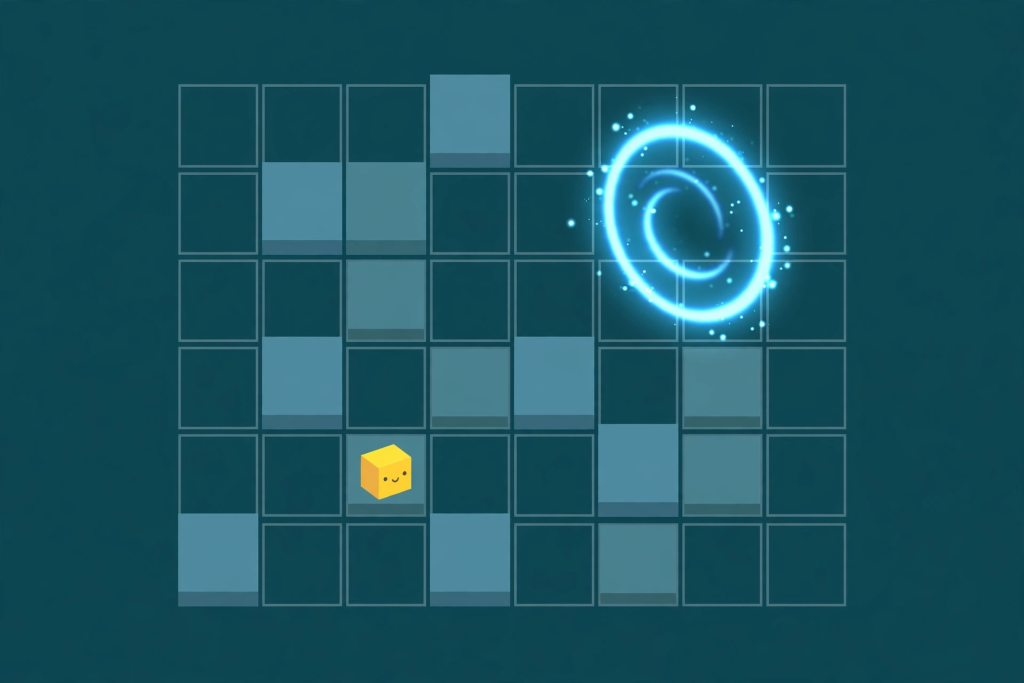
Classic mode is about timing: jump at the right moment, follow the music, and survive to the end. Platformer mode is about exploring: find the path, time your jumps, and reach the goal. Classic levels are linear, with one way forward. Platformer levels can have many paths, secrets, and choices. Both modes use the same icons and the same basic controls, but they feel very different to play. Try both, and see which one you enjoy more.
How Platformer Saving Works (2.209)
Before update 2.209, leaving a platformer level meant losing your place. Now, platformer saving lets the game remember where you were, so you can pick up where you left off. That matters most for long platformer levels, where a full run takes a long time. You can play for ten minutes, stop, and come back later without starting again. To use saving, simply play a platformer level in the updated game. The game handles the rest. If you are still on an older version, update from the official store first, as explained in our 2.209 update guide.
Controls in Platformer Levels
Platformer controls are simple, but they take a little practice. On a phone, you use touch controls to move and jump. On a computer, you use the keyboard: arrow keys or your chosen keys to move left and right, and the jump key to jump. Update 2.209 lets you choose your own keys on PC, so pick the keys that feel best for you. Move slowly at first, learn how high your jumps go, and do not rush. Platformer mode rewards careful movement more than fast fingers. For Geometry Dash platformer mode players, careful movement beats fast fingers.
Tips for Your First Platformer Level
First, pick a short, easy platformer level made by the community. Next, explore slowly and learn the path before you rush. Then, use checkpoints if the level offers them, and practise the hard jumps one at a time. If you fall, do not worry: that is part of platformer play. Finally, listen to the music and enjoy the level. Platformer mode is at its best when you explore, not when you race. You can warm up in the free browser game on our Online Play page.
FAQs
Geometry Dash platformer mode: your questions answered
Q: What is platformer mode in Geometry Dash? A: Platformer mode lets you move left and right, jump between platforms, and explore a level at your own pace, instead of moving only forward.
Q: When was platformer mode added? A: Platformer mode was added in update 2.2. Update 2.209 improved it with saving, so you can pick up where you left off.
Q: How does platformer saving work? A: In update 2.209, the game remembers your place in a platformer level, so you can leave and come back later without starting again.
Q: Is platformer mode free? A: Platformer mode is part of the full version of Geometry Dash. You need the full game to play platformer levels.
Q: How do I play platformer mode on PC? A: Use the keyboard to move left and right and to jump. Update 2.209 lets you choose your own keys, so pick the ones that feel best.
Conclusion
Platformer mode is Geometry Dash with freedom: move, explore, and jump at your own pace. Update 2.209 makes it better with saving, so long levels are finally fair in short sessions. Try a short platformer level today, learn the controls, and enjoy the explore. You can read about the update in our 2.209 guide, and learn every mode in our game modes guide. This Geometry Dash platformer mode guide is your starting point, so go and explore.