
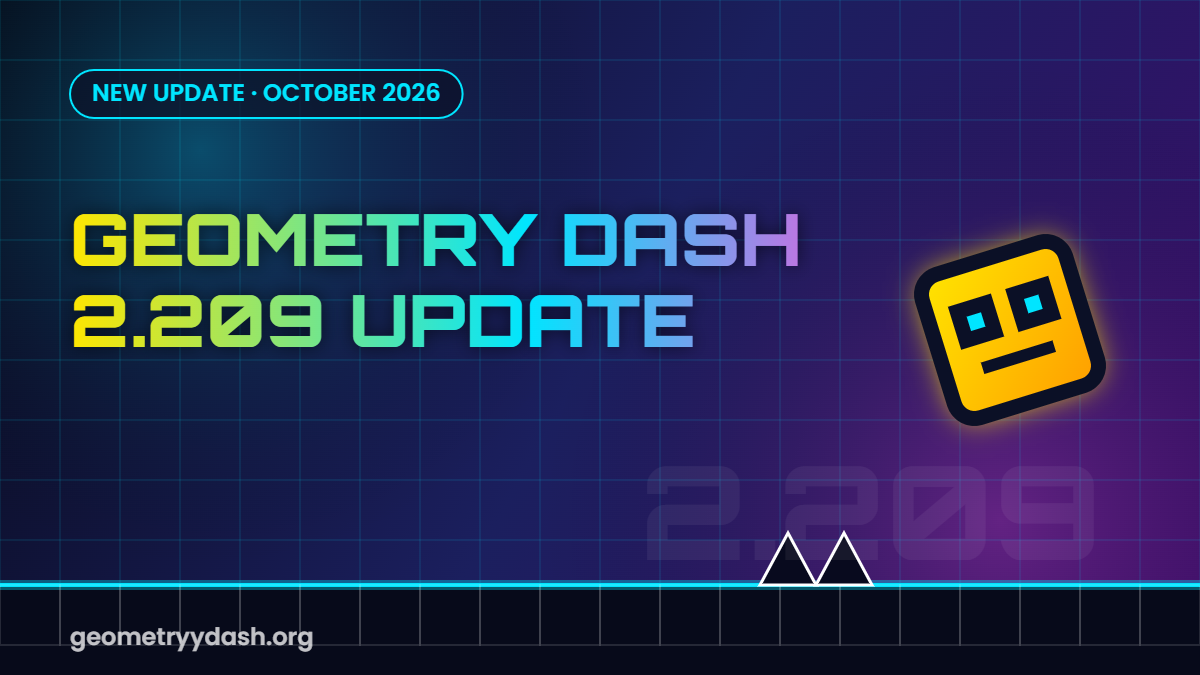
The Geometry Dash 2.209 update arrived in October 2026, and it is a useful update for players and level builders alike. It does not change the game you know. Instead, it makes the parts you already play smoother and easier to control. This guide explains what 2.209 changes, who benefits most, and how to update safely, in plain words.
What Is the 2.209 Update?
Update 2.209 is the latest update listed on this site, and it follows update 2.208 from January 2026. Like most Geometry Dash updates, it focuses on making the game better rather than adding a whole new game. The three main improvements are platformer saving, custom keybinds, and editor improvements. Below, each one is explained in simple terms.
Platformer Saving — Pick Up Where You Left Off
Platformer mode is the mode where you move left and right through a level, instead of only moving forward. Before 2.209, leaving a platformer level meant losing your place. Now, platformer saving lets the game remember where you were, so you can pick up where you left off. That matters most for long platformer levels, where a full run takes a long time. As a result, you can play in short sessions and still finish a big level.
Custom Keybinds — Play With Your Own Keys
Custom keybinds let you choose which keys control your icon on a computer. Before this update, you used the keys the game gave you. Now you can set the keys that feel best for your hands. For example, if space feels awkward for you, you can pick another key. This is a small change, but it makes a big difference for players who play for a long time. Try a few keys, find the one that feels natural, and keep it.
Editor Improvements — Easier Building for Creators
The level editor is the tool players use to build their own levels, and 2.209 makes it easier to use. The improvements help builders place blocks, test levels, and fix mistakes with less trouble. If you build levels, you will notice the editor feels smoother. If you only play levels, you will still benefit, because better tools mean better community levels for you to play. The editor is part of the full version of the game.
Who Benefits Most From 2.209?
Platformer players benefit most, because saving makes long levels fair. Computer players benefit too, because custom keybinds give them real control. Level builders benefit from the editor improvements. Casual players will notice less, but the game will still feel a little smoother. If you play on a phone, the game will still feel smoother, even though custom keybinds are for computers. If you are new to the game, try a free version first, then update the full game when you are ready to play or build longer levels. In short, the Geometry Dash 2.209 update is for everyone, but it helps serious players the most.
How to Update Safely
Updating is simple, but do it the safe way. First, update only from the official store where you got the game — Google Play, the App Store, or Steam. Do not download update files from random websites, because they can be fake or unsafe. Next, check that you have enough free space on your device. Then, open the store, find Geometry Dash, and tap Update. After the update, open the game once and check that your levels and progress are still there.
A Short Recap of 2.208
Update 2.208 came in January 2026, before 2.209. It was a smaller update that prepared the game for what came next. On this site, 2.208 is listed with Click Between Steps, new leaderboards for Moons, Demons and User Coins, new Gauntlets, and a trace system in the editor. Those changes came first, and 2.209 builds on them with its own three improvements. You do not need to know every detail of 2.208 to enjoy 2.209. The key point is simple: the game keeps getting small, useful updates, and 2.209 is the latest step in that story. If you are still on an older version, update to 2.209 from the official store.
FAQs
Geometry Dash 2.209 update: your questions answered
Q: What is new in Geometry Dash 2.209? A: The main improvements are platformer saving, custom keybinds, and editor improvements. They make platformer levels, computer controls, and level building easier.
Q: When was Geometry Dash 2.209 released? A: Update 2.209 arrived in October 2026, as listed on this site. It follows update 2.208 from January 2026.
Q: Is the 2.209 update free? A: Yes, updates are free for players who already own the game. Update from the official store where you bought it.
Q: What is platformer saving? A: Platformer saving remembers your place in a platformer level, so you can leave and pick up where you left off instead of starting again.
Q: How do I update Geometry Dash? A: Open Google Play, the App Store, or Steam, find Geometry Dash, and tap Update. Do not use random download sites.
Conclusion
The Geometry Dash 2.209 update is a quiet but useful update. Platformer saving, custom keybinds, and editor improvements make the game fairer and easier to control. Update from the official store, try the new features, and enjoy your next run. You can find the game on our Download page.

3 thoughts on “Geometry Dash 2.209 Update: Everything New (October 2026)”